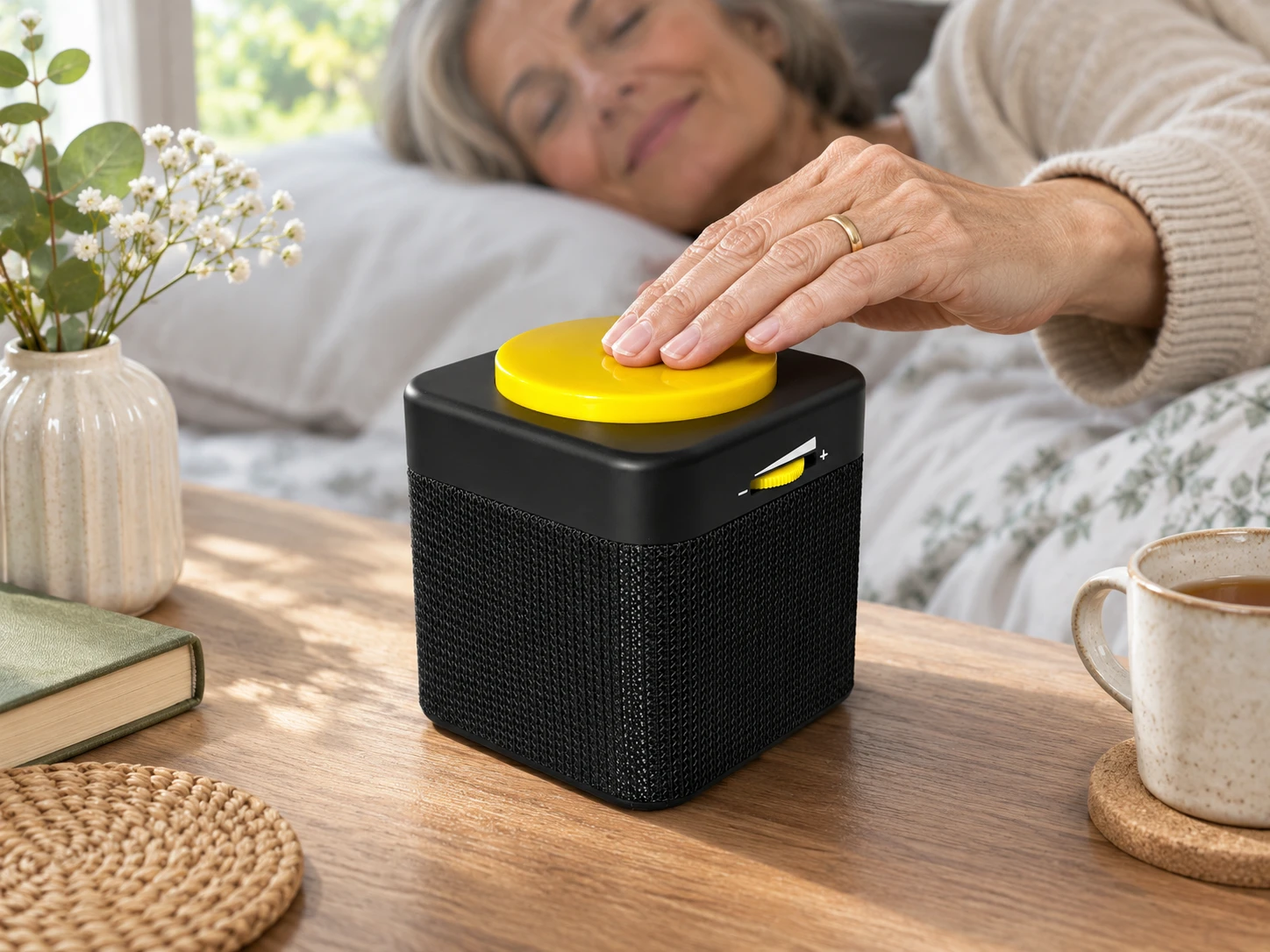
Hear the time without reading a display. One press of the large yellow button announces the time; two presses announce the date. Illustrative bedside scene.
Talking Cube Clock
The time, at the touch of a button.
A large yellow button, spoken settings and an adjustable voice make this compact clock easy to use without reading a clock face. Keep it somewhere familiar and hear the time when you need it.
£48.00
Price includes VAT. Delivery and availability confirmed before payment.
The time, at the touch of a button.
One press for the time
Press the large top button once to hear the time, or twice to hear the date.
Spoken setup
Settings are announced and choices confirmed with a beep. A tactile button on the base provides access to setup.
Make it part of your routine
Choose an alarm from five sounds, enable an optional hourly announcement and adjust volume using the yellow dial.
How it works
- Put the clock within comfortable reach and follow the instructions to fit its batteries and set the time.
- Choose a male or female English voice and a comfortable volume.
- Press the top button for the time, or twice for the date. Set an alarm or hourly announcement if useful.
Specifications at a glance
- Voice
- English male or female
- Announcements
- Time and date
- Alarm sounds
- Five
- Hourly announcement
- Optional
- Volume control
- Tactile yellow dial
- Dimensions
- 9 x 10 x 9cm
- Weight
- 225g including batteries
- Power
- Two AA batteries
A few useful answers
How do I hear the date?
Press the large yellow top button twice. One press announces the time.
Does it announce every hour?
An hourly announcement is optional. You can choose whether to use it.
Is there a video of this model?
We have not verified a demonstration of this current black-and-yellow model. Older cube-clock videos can show different controls, batteries and voices, so they are not presented as instructions for this one.
You may also like
Explore other products for blind and partially sighted people.
Explore all sight loss products